
How Much RAM and GPU Do You Actually Need to Run AI Models Locally in 2026?
A common question in AI communities: How much hardware do you actually need to run AI models locally? This guide cuts through the confusion with specific numbers, real-world benchmarks, and build recommendations for every budget—from $800 entry builds to $3,500+ enthusiast setups.
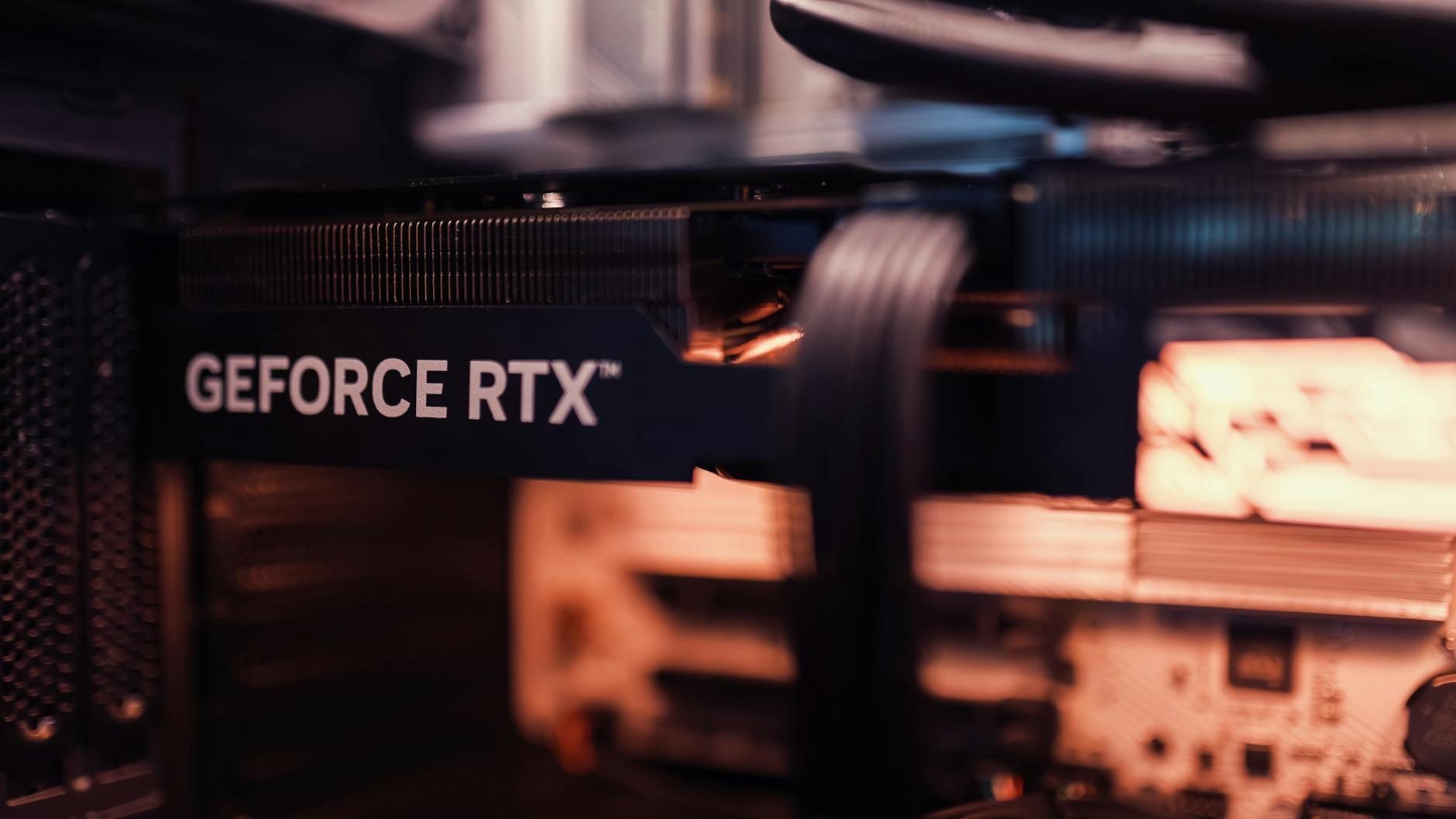
A common question in AI communities keeps surfacing with increasing urgency: How much hardware do I actually need to run AI models locally? With privacy concerns mounting, subscription fatigue setting in, and the appeal of owning your own AI infrastructure growing stronger, more developers and enthusiasts are looking to break free from cloud APIs and run large language models on their own machines.
The short answer: it depends entirely on which models you want to run. A 3-billion-parameter model hums along on modest hardware, while a 70-billion-parameter behemoth demands serious investment. This guide cuts through the confusion with specific numbers, real-world benchmarks, and build recommendations for every budget.
The Hardware Bottleneck Hierarchy
When running AI models locally, your hardware components matter in a specific order of priority. Understanding this hierarchy prevents expensive mistakes—like buying a top-tier GPU while neglecting the RAM that actually holds your model.
1. RAM (System Memory): The Primary Constraint
For most local AI setups, system RAM is your main limiting factor. Here is the formula that determines whether a model will run at all:
Model Size (in GB) + 8GB (for your operating system) = Minimum RAM Required
This is not a suggestion—it is physics. Your model must fit entirely in memory to function. Unlike cloud APIs that stream data across networks, local inference requires the entire model weights loaded into RAM or VRAM.
Real-world RAM requirements break down as follows:
- 8GB RAM: Essentially insufficient. You can run tiny 1B-3B models, but your operating system consumes 4-6GB, leaving almost nothing for actual work. Skip this unless you are experimenting on a Raspberry Pi for educational purposes.
- 16GB RAM: The entry point. Handles 3B-7B models comfortably. This is where most beginners start, and it works well for Mistral 7B, Llama 3.2 7B, and similar small models.
- 32GB RAM: The sweet spot for serious users. Runs 13B models smoothly and can squeeze 34B models with optimization. Best value for developers doing actual AI work.
- 64GB RAM: Professional territory. Runs 34B-70B models without breaking a sweat. Ideal for large coding models or running multiple models simultaneously.
- 128GB+ RAM: Enthusiast and research level. For 70B+ models or specialized use cases requiring massive context windows.
2. GPU VRAM: The Speed Multiplier
While RAM determines if a model runs, GPU VRAM determines how fast it runs. A dedicated GPU accelerates inference by 2-5x compared to CPU-only operation. The VRAM on your graphics card functions like specialized RAM, but faster and dedicated purely to AI computation.
Here is what different VRAM levels unlock:
- 8GB VRAM: Entry-level GPU territory. Limited to 7B models. Works for experimentation but you will hit walls quickly.
- 12GB VRAM: The practical minimum for serious work. Handles 13B models and smaller 34B models with quantization.
- 16GB VRAM: Comfortable mid-range. Runs most 13B-34B models without strain.
- 24GB VRAM: The magic number. This is where 70B models become accessible. The RTX 3090 and RTX 4090 both offer 24GB, making them enormously popular in the local AI community.
3. CPU: The Overlooked Foundation
Your processor matters less than you might think. Modern CPUs from the last five years handle AI inference adequately, though slower than GPUs. The key specification is core count: aim for at least 4 cores for 3B-7B models and 8+ cores for anything larger.
Any Intel 10th generation or newer, AMD Ryzen 3000 series or newer, or Apple Silicon M-series processor will suffice. Do not over-invest here—money is better spent on RAM and GPU.
Model Size Reference: What You Can Actually Run
To translate theoretical requirements into practical guidance, here is what each model size category actually delivers and demands:
3B Models (Tiny but Capable)
Examples: Llama 3.2 3B, Phi-3.5 Mini, Gemma 2 2B
RAM Needed: 8GB minimum, 16GB comfortable
GPU: Optional—runs fine on CPU
Use Cases: Simple text generation, basic coding assistance, mobile/edge deployment
These tiny models punch above their weight. Phi-3.5 Mini rivals much larger models on reasoning tasks despite its diminutive size. If you are building on a budget or deploying to resource-constrained environments, start here.
7B Models (The Sweet Spot)
Examples: Mistral 7B, Llama 3.2 7B, Qwen 2.5 7B
RAM Needed: 12GB minimum, 16GB recommended
GPU: 8GB+ VRAM recommended
Use Cases: General-purpose assistance, coding, creative writing, most everyday AI tasks
This category delivers the best performance-to-hardware ratio. A 7B model with good fine-tuning often outperforms larger generic models for specific tasks. Most users find this the practical ceiling for casual local AI usage.
13B Models (Serious Power)
Examples: Llama 2 13B, Mixtral 8x7B, Qwen 2.5 14B
RAM Needed: 24GB minimum, 32GB comfortable
GPU: 12GB+ VRAM highly recommended
Use Cases: Complex reasoning, professional coding, long-form content generation
The leap from 7B to 13B represents a noticeable quality improvement. These models handle nuance better, maintain context longer, and produce more coherent extended outputs. This is where hardware requirements jump significantly—you need a proper machine.
34B Models (Professional Grade)
Examples: CodeLlama 34B, Yi 34B, Qwen 2.5 32B
RAM Needed: 48GB minimum, 64GB recommended
GPU: 16GB+ VRAM required
Use Cases: Advanced coding, technical documentation, complex analysis
At this scale, you are approaching GPT-3.5 quality in a local package. The hardware investment is substantial—you are looking at a workstation-class build. For developers and researchers, the capability jump often justifies the cost.
70B+ Models (The Frontier)
Examples: Llama 3.1 70B, Qwen 72B, Llama 3.1 405B
RAM Needed: 96GB minimum, 128GB+ recommended
GPU: 24GB+ VRAM, often multiple GPUs
Use Cases: Research, competitive benchmarks, maximum quality local inference
Running 70B models locally is an enthusiast pursuit. You are competing with cloud APIs that deploy these across multiple high-end GPUs. For the 405B parameter models, you are looking at tens of thousands of dollars in hardware or clever distributed setups.
Quantization: The Secret to Running Larger Models
All the requirements listed above assume 4-bit quantized models. Quantization is a compression technique that reduces model precision from 16-bit or 32-bit floating point numbers down to 4-bit integers. The result: models use roughly one-fourth the memory with modest quality degradation.
Without quantization, multiply all RAM requirements by 2-3x. A 7B model that fits comfortably in 16GB quantized would demand 28-32GB at full precision. For local running, quantization is essentially mandatory for models larger than 7B parameters.
Modern tools like llama.cpp, Ollama, and LM Studio handle quantization automatically. You download the quantized model files (usually marked as Q4_K_M, Q5_K_M, or similar) and the software manages the rest. Quality loss at 4-bit quantization is generally imperceptible for most use cases.
Complete Build Recommendations
Theory aside, here are three complete build recommendations for different budgets and goals:
Budget Build: $800-1,000
- CPU: AMD Ryzen 5 5600 (6-core) or Intel i5-12400
- RAM: 32GB DDR4 (2x16GB)
- GPU: Used RTX 3060 12GB ($250-300) or RTX 4060 Ti 16GB ($500)
- Storage: 1TB NVMe SSD
- Capable of: 3B-13B models comfortably
This build gets you serious local AI capability without breaking the bank. The used RTX 3060 12GB is the hidden gem here—widely available, reasonably priced, and 12GB VRAM handles most practical models. Skip the 8GB cards; the extra 4GB makes a massive difference.
Mid-Range Build: $1,500-2,000
- CPU: AMD Ryzen 7 7700X or Intel i7-13700K
- RAM: 64GB DDR5 (2x32GB)
- GPU: RTX 4070 12GB or used RTX 3090 24GB ($700-800)
- Storage: 2TB NVMe SSD
- Capable of: 34B models, most 70B models with quantization
The used RTX 3090 24GB is the standout value here. Despite being a previous-generation card, its 24GB VRAM makes 70B models accessible. The 4070 is newer and more power-efficient but limited to 12GB. If you can find a reliable used 3090, it is the local AI workhorse.
High-End Build: $3,500+
- CPU: AMD Ryzen 9 7950X or Intel i9-13900K
- RAM: 128GB DDR5
- GPU: RTX 4090 24GB ($1,600) or dual RTX 3090s
- Storage: 4TB NVMe SSD
- Capable of: 70B+ models, multiple concurrent models, research workloads
This is enthusiast territory. The RTX 4090 delivers the best single-GPU performance available, though its 24GB VRAM matches the older 3090. For serious research or running the absolute largest models, you are looking at multi-GPU setups or professional cards like the A100.
The Apple Silicon Exception
Apple's M-series processors represent a unique case in local AI. Their unified memory architecture means RAM and VRAM are the same pool—there is no distinction between system memory and graphics memory.
This design is remarkably efficient for AI workloads. An M3 Pro with 36GB unified memory functions like a system with 36GB RAM plus 36GB VRAM—something impossible on traditional PC hardware. The memory bandwidth is also exceptional, often beating discrete GPUs for inference tasks.
Practical Apple Silicon recommendations:
- M2/M3 (8-24GB): Good for 7B models, limited for larger
- M3 Pro (18-36GB): Sweet spot, handles 13B models smoothly
- M3 Max (36-128GB): Professional tier, runs 70B models locally
The trade-off is price. Apple's RAM upgrades are notoriously expensive, and you cannot upgrade after purchase. But for those already in the Apple ecosystem, M-series Macs are genuinely excellent local AI machines.
Cloud vs Local: The Real Cost Comparison
Before investing in hardware, consider the economics. A $1,500 local build with a used RTX 3090 rivals GPT-4-level capabilities for a one-time cost. Cloud API usage for equivalent inference would cost hundreds of dollars monthly at high volume.
However, cloud APIs offer advantages: access to 400B+ parameter models, no maintenance, automatic updates, and zero upfront cost. For occasional users, cloud remains cheaper. For heavy users, developers, or privacy-conscious individuals, local hardware pays for itself within months.
The break-even point typically falls around 10-20 million tokens monthly. Below that, cloud APIs are economical. Above that, local hardware becomes the clear winner—assuming you have the technical comfort to manage it.
Software Stack Recommendations
Hardware is only half the equation. These tools make local AI actually usable:
Ollama: The simplest starting point. One-command installation, pre-configured models, straightforward API. Perfect for beginners who want something that just works.
LM Studio: GUI-based model management with an excellent interface. Great for experimenting with different models without command-line work. The built-in chat interface is polished and practical.
llama.cpp: The underlying engine powering most local AI. Maximum performance and flexibility, but requires more technical knowledge. If you want to optimize every parameter, start here.
Text Generation WebUI: Feature-rich interface with extensive customization. Best for power users who want fine-grained control over generation parameters.
Common Pitfalls to Avoid
First-time local AI builders consistently make these mistakes:
Buying an 8GB GPU: It seems like enough, but you will hit the ceiling immediately. Minimum 12GB VRAM for any serious work.
Neglecting RAM: Spending $1,500 on a GPU while running 16GB system RAM. Your model loads into RAM first; insufficient system memory cripples performance regardless of GPU.
Ignoring storage: Models are large. A 70B parameter model consumes 40GB+ disk space. Plan for terabytes, not gigabytes, if you want variety.
Overclocking obsession: AI inference benefits marginally from CPU/GPU overclocking. Stability matters more than raw clock speed for these workloads.
Looking Forward: Hardware Trends in 2026
The hardware landscape is shifting rapidly. Intel and AMD are integrating AI accelerators directly into CPUs. NVIDIA's Blackwell architecture promises massive efficiency gains. Specialized AI chips from companies like Groq and Cerebras are challenging GPU dominance.
Most significantly, model efficiency is improving faster than hardware. A 7B model in 2026 outperforms 13B models from 2024. This trend suggests mid-range hardware will handle increasingly capable models without upgrades.
For now, the recommendations in this guide remain solid. A 32GB RAM system with 12GB+ VRAM will serve you well through 2026 and beyond, even as models improve.