
What GPU Do I Need to Run Local LLMs? A Complete Hardware Guide for 2026
VRAM is the single most important spec for local LLMs. This complete guide breaks down exactly which GPU you need—from $250 Intel Arc to RTX 4090—with real benchmarks for Llama 4, DeepSeek R1, and more.
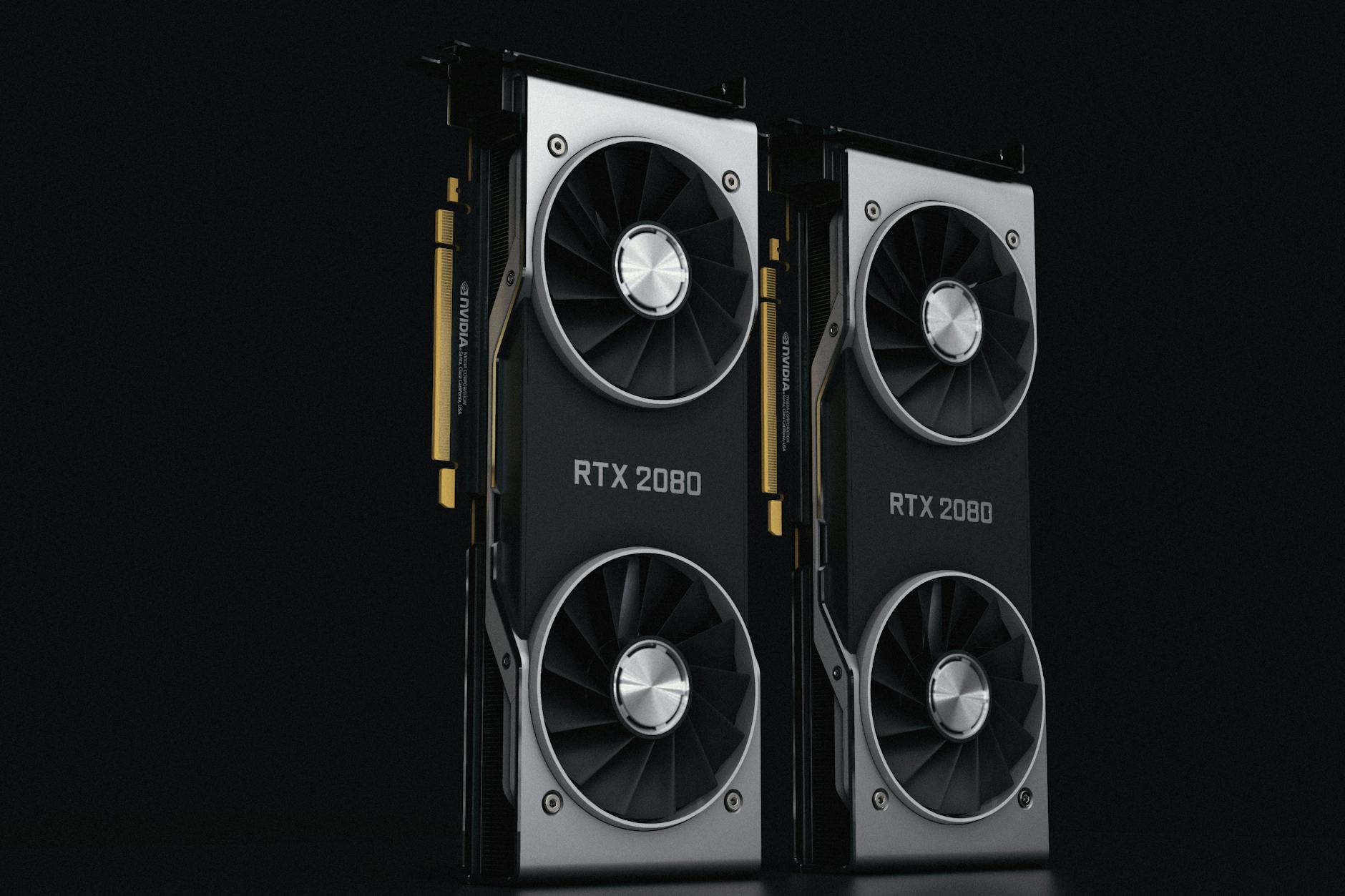
A common question in AI communities—particularly on subreddits like r/LocalLLaMA and r/MachineLearning—keeps surfacing with increasing urgency: What GPU do I actually need to run large language models locally? With cloud API costs climbing and privacy concerns mounting, more developers, researchers, and enthusiasts are looking to self-host models like Llama 4, DeepSeek R1, and Qwen 3. But the hardware landscape is confusing, filled with conflicting advice about VRAM, CUDA cores, and quantization.
Having tested configurations ranging from a $250 Intel Arc card to dual RTX 4090s, I can tell you the answer is more nuanced than "just buy the most expensive GPU." The reality is that your optimal setup depends on which models you want to run, how fast you need them to respond, and what your budget actually allows.
Why VRAM Is the Only Spec That Really Matters
When running local LLMs, VRAM (Video RAM) capacity is the single most important factor—more than CUDA core count, clock speed, or even generation architecture. Here's why: the entire model must fit into GPU memory to achieve full acceleration. If your model is too large for your VRAM, you'll either be forced into partial CPU offloading (dramatically slower) or stuck using extremely aggressive quantization that degrades output quality.
Research from Tim Dettmers at the University of Washington, spanning over 35,000 experiments, established that 4-bit quantization (Q4_K_M) is "almost universally optimal" for local inference. This reduces VRAM requirements by roughly 4× compared to full 16-bit precision, with quality loss under 2-3%—barely perceptible for most tasks.
The VRAM Formula You Need to Know
For quick mental math, use this approximation:
- FP16 (full precision): ~2GB VRAM per billion parameters
- Q4 quantization: ~0.5GB VRAM per billion parameters (plus ~20% overhead for KV cache and activations)
So a 7B parameter model needs roughly 4-5GB VRAM at Q4 quantization, while a 70B model requires 38-40GB. This math explains why the difference between an 8GB and 12GB GPU isn't just incremental—it determines whether you can run 7B models comfortably or squeeze into the 13B range.
VRAM Requirements by Model Size: The Real Numbers
Here's what you can actually run at each VRAM tier, based on current model availability as of April 2026:
8GB VRAM: Entry-Level Territory
GPUs like the RTX 4060 8GB, RTX 3070, and older GTX 1080 Ti can handle:
- Llama 3.1 8B, Mistral 7B, Qwen 2.5 7B (Q4 quantization)
- Llama 3.2 1B/3B, Phi-4 Mini, Gemma 3 4B at higher precision
- Basic Stable Diffusion at 512×512 resolution
Performance expectation: 30-50 tokens per second for 7B models. Usable for experimentation and light coding assistance, but you'll feel the constraints quickly.
12GB VRAM: The Sweet Spot for Hobbyists
This tier—covered by the Intel Arc B580, RTX 3060 12GB, and RTX 4070—opens up significantly more flexibility:
- All 7B-8B models with substantial context room
- 13B models (Llama 2 13B, CodeLlama 13B) with Q4 quantization
- DeepSeek-R1 14B (tight fit)
- Stable Diffusion XL and Flux image generation
The Intel Arc B580 at $249 is particularly noteworthy here. Its XMX engines deliver 15-20 tokens/second on 7B models—competitive with NVIDIA cards costing twice as much. The trade-off? You'll use Intel's OpenVINO or IPEX-LLM toolkits instead of the ubiquitous CUDA ecosystem. For hobbyists comfortable with slightly more setup, the value proposition is unmatched.
16GB VRAM: Serious Local AI
The RTX 4060 Ti 16GB ($449) and upcoming RTX 5060 Ti 16GB ($429) represent the current sweet spot for serious local AI work:
- 13B-14B models comfortably
- 30B models with Q4 quantization (Qwen 2.5 32B, Yi 34B)
- Full Stable Diffusion XL pipelines with LoRA fine-tuning
- Room for longer context windows (4096+ tokens)
Benchmarks from Puget Systems show the 4060 Ti 16GB hitting roughly 34 tokens/second on 8B models. The 4th-generation Tensor Cores provide meaningful acceleration, though the 128-bit memory bus limits bandwidth to 288 GB/s—creating a bottleneck for token generation speed.
24GB VRAM: The Professional Tier
Both the RTX 3090 and RTX 4090 offer 24GB VRAM, but their performance differs substantially:
RTX 3090 (used, $800-999): 10,496 CUDA cores, 285 Tensor TFLOPs. Still capable for inference and fine-tuning, but limited by older 3rd-gen Tensor Cores and 6MB L2 cache.
RTX 4090 ($1,600+): 16,384 CUDA cores, 660 Tensor TFLOPs at FP8 precision, 72MB L2 cache. Roughly 1.3-1.9× faster than the 3090 for inference workloads.
With 24GB, you can run:
- Llama 3.1 70B with Q3-Q4 quantization
- Llama 4 Maverick (400B total parameters, MoE architecture) at Q4
- DeepSeek V3 and R1 32B variants
- Multiple smaller models simultaneously
RTX 3090 vs RTX 4090: The Upgrade Question
Both cards share identical 24GB VRAM capacity, so neither increases maximum model size over the other. The 4090's advantages are purely about speed:
- 1.3-1.9× faster inference depending on precision and batch size
- FP8 Tensor Core support (the 3090 lacks this)
- Higher Stable Diffusion throughput
- Better performance per watt despite higher TDP
Upgrade if: Inference speed directly impacts your productivity, you fine-tune models regularly, or you generate high volumes of images.
Stick with 3090 if: You're primarily VRAM-limited (running heavily quantized models where memory capacity, not compute, is the bottleneck), budget efficiency matters more than raw speed, or your workloads can run overnight.
Budget Builds That Actually Work
$500-700: The Beginner's Gateway
A used workstation with an RTX 3060 12GB or new Intel Arc B580 build can handle 7B-13B models at usable speeds. Pair with 32GB system RAM and a mid-range CPU. This setup handles code completion, summarization, and creative writing tasks competently.
$1,200-1,500: The Enthusiast Setup
RTX 4070 Ti Super (16GB) or RTX 4060 Ti 16GB with 64GB DDR5 RAM. This configuration comfortably runs 13B-34B models and handles fine-tuning with LoRA. Expect 20-40 tokens/second on medium-sized models.
$3,000+: The Power User
RTX 4090 with 64-128GB system RAM, or dual RTX 3090s for multi-GPU workflows. This tier enables 70B+ models and serious fine-tuning with QLoRA. Overkill for most users, but essential for research and commercial applications.
Don't Forget About System RAM and CPU
While GPU gets the headlines, system RAM plays a crucial supporting role. When VRAM is exhausted, the system falls back to CPU inference using system memory. This is dramatically slower—sometimes 10-50× slower—but it works.
Minimum recommendations:
- 32GB system RAM for 7B-13B models with some CPU offloading
- 64GB for 30B+ models or heavy multitasking
- 128GB+ if you plan to run 70B models primarily on CPU
For CPU inference, llama.cpp is the go-to tool. It leverages AVX2 and AVX-512 instructions and can achieve surprisingly usable speeds on modern processors—5-15 tokens/second for 7B models on a Ryzen 9 or Intel Core i9.
The Apple Silicon Curveball
Mac users have a unique advantage: unified memory. A MacBook Pro with M3 Pro and 18GB RAM can run Llama 4 Scout (which requires ~10GB VRAM on discrete GPUs) at 30-50 tokens/second. The M4 Max with 36GB+ unified memory competes with RTX 4090 setups for many workloads.
The trade-off is less flexibility—Metal Performance Shaders don't support every quantization format, and some tools are CUDA-only. But for developers already in the Apple ecosystem, the performance per dollar is compelling.
Quantization: Your Secret Weapon
If you take one thing from this guide, make it this: quantization is what makes local LLMs accessible. Running models at FP16 precision requires 4× the VRAM with marginal quality improvement.
Q4_K_M has become the community standard because it hits the sweet spot:
- 4× VRAM reduction vs FP16
- Perplexity increase under 2% (often imperceptible)
- Supported by Ollama, LM Studio, llama.cpp, and virtually all local tools
More aggressive quantization (Q3, Q2) exists for extreme cases but introduces noticeable quality degradation. Q5 and Q8 offer marginal improvements over Q4 at significant VRAM cost—rarely worth it.
Software Setup: Ollama Makes It Easy
Once you have the hardware, getting started is surprisingly simple. Ollama has emerged as the default choice for beginners and developers alike:
# Install Ollama (macOS/Linux)
curl -fsSL https://ollama.com/install.sh | sh

# Pull and run Llama 3.1 8B
ollama run llama3.1:8b

# Run with a specific quantization
ollama run llama3.1:70b-q4_K_M
Ollama provides an OpenAI-compatible API at localhost:11434, meaning most tools that work with ChatGPT can switch to local models with a single configuration change. It handles model downloads, quantization, and GPU optimization automatically.
For more control, LM Studio offers a polished GUI with built-in chat interface, while llama.cpp provides maximum performance through manual optimization.
The Economic Reality: When Does Local Make Sense?
Let's talk numbers. GPT-4o costs $2.50 per million input tokens. For a developer running 500,000 tokens daily, that's approximately $38 per month or $456 annually.
A $900 RTX 4060 Ti 16GB setup consuming 200W during inference costs roughly $2-3 monthly in electricity (at $0.12/kWh). Break-even occurs in 20-24 months—not immediate, but compelling for multi-year use.
Local inference wins when:
- Privacy requirements prohibit cloud processing
- Offline access is essential
- You generate high volumes of tokens consistently
- You want to fine-tune on proprietary data
- API rate limits throttle your workflow
Cloud APIs remain superior for:
- Sporadic, low-volume usage
- Access to frontier models (GPT-4.5, Claude 3.7 Opus)
- Multi-modal capabilities beyond text
- Zero hardware maintenance
Making Your Decision
If you're standing at the purchase threshold, here's my distilled advice:
Start with 12GB VRAM minimum. The Intel Arc B580 at $249 is the value champion for experimenters. The RTX 3060 12GB at $280 offers guaranteed compatibility. Either lets you explore 7B-13B models without frustration.
Target 16GB for serious work. The RTX 4060 Ti 16GB hits the best balance of price, performance, and VRAM for most users. You'll run 13B models comfortably and 30B models with optimization.
Consider 24GB only if you need 70B models. The used RTX 3090 market at $800-999 is compelling. The RTX 4090 adds speed, not capacity.
Don't neglect system RAM. 32GB is the practical minimum; 64GB provides headroom.
The local LLM landscape in 2026 is remarkably mature. The models are capable, the tools are polished, and the hardware requirements have never been more accessible. Whether you're building an AI coding assistant, automating content workflows, or simply exploring what these systems can do, the barrier to entry has dropped below $300.
Your GPU choice should match your ambition—but not exceed it. Start where you are, test what works, and scale as your needs clarify. The models aren't going anywhere, and neither is the satisfaction of running them on your own hardware.
Sources
- LLM Configurator VRAM Requirements Guide — llmconfigurator.com/guides/vram-requirements-guide/
- Apatero Hardware Guide 2026 — apatero.com/blog/running-open-source-llms-locally-hardware-guide-2026
- Best GPUs for AI — RTX 3090 vs 4090 Comparison — bestgpusforai.com/gpu-comparison/3090-vs-4090
- Compute Market Budget GPU Guide 2026 — compute-market.com/blog/best-budget-gpu-for-ai-2026
- Dettmers et al. (2022) — "LLM.int8(): 8-bit Matrix Multiplication for Transformers at Scale"
- Puget Systems GPU Benchmarks — pugetsystems.com
- Tom's Hardware Intel Arc B580 Review — tomshardware.com